It is probably not relevant, but I am using a 4k display, with 100 % scaling (meaning both the pixel resolution and logical resolution are 4k), and in addition I have my Windows Mouse Pointer Size setting to 2 instead of the default which is 1.
Windows 11 64-bit (with latest updates), Dell Optiplex 3070 with Intel Core i5-9500T and Intel UHD Graphics 600 (integrated), SDL 3.4.0 (official release).
I have a problem with rendering in this demo if I create a renderer this way (Free Pascal):
Renderer := SDL_CreateRenderer(Window, 'gpu');
For me, the gpu driver selects direct3d12 underneath, and then stretching the window with the mouse glitches, as I showed in the recordings. However, this problem does not occur if I create a renderer by specifying direct3d12 in the renderer creation function:
Renderer := SDL_CreateRenderer(Window, 'direct3d12');
The same applies to Vulkan — if I force the use of this driver with a hint and then create a renderer specifying gpu as the driver, window stretching glitches:
SDL_SetHint(SDL_HINT_GPU_DRIVER, 'vulkan'); // before SDL_Init

{...}

Renderer := SDL_CreateRenderer(Window, 'gpu');
But if I use vulkan directly as the driver, the glitching problem does not occur:
Renderer := SDL_CreateRenderer(Window, 'vulkan');
However, if I explicitly use direct3d12 or vulkan to create the renderer, the repainted area of the window during stretching is always consistent with the physical size of the window, but when stretching the window, I can see that the content rendered in it is artificially stretched and delayed (as I showed in the last recording in the previous post — the bottom edge of the window title bar shakes during stretching vertically).
Finally, if I use a different driver to create the renderer, e.g., direct3d11 or opengl, none of the above problems occur. When stretching the window, the newly rendered frame (inside the event watcher) always fits the new window size, repainting works instantly, and there is no artificial stretching of the window canvas, so the bottom edge of the window title bar stays in place, as it should.
Here is a demonstration of how well it works if I create a renderer specifying direct3d11 as the driver:
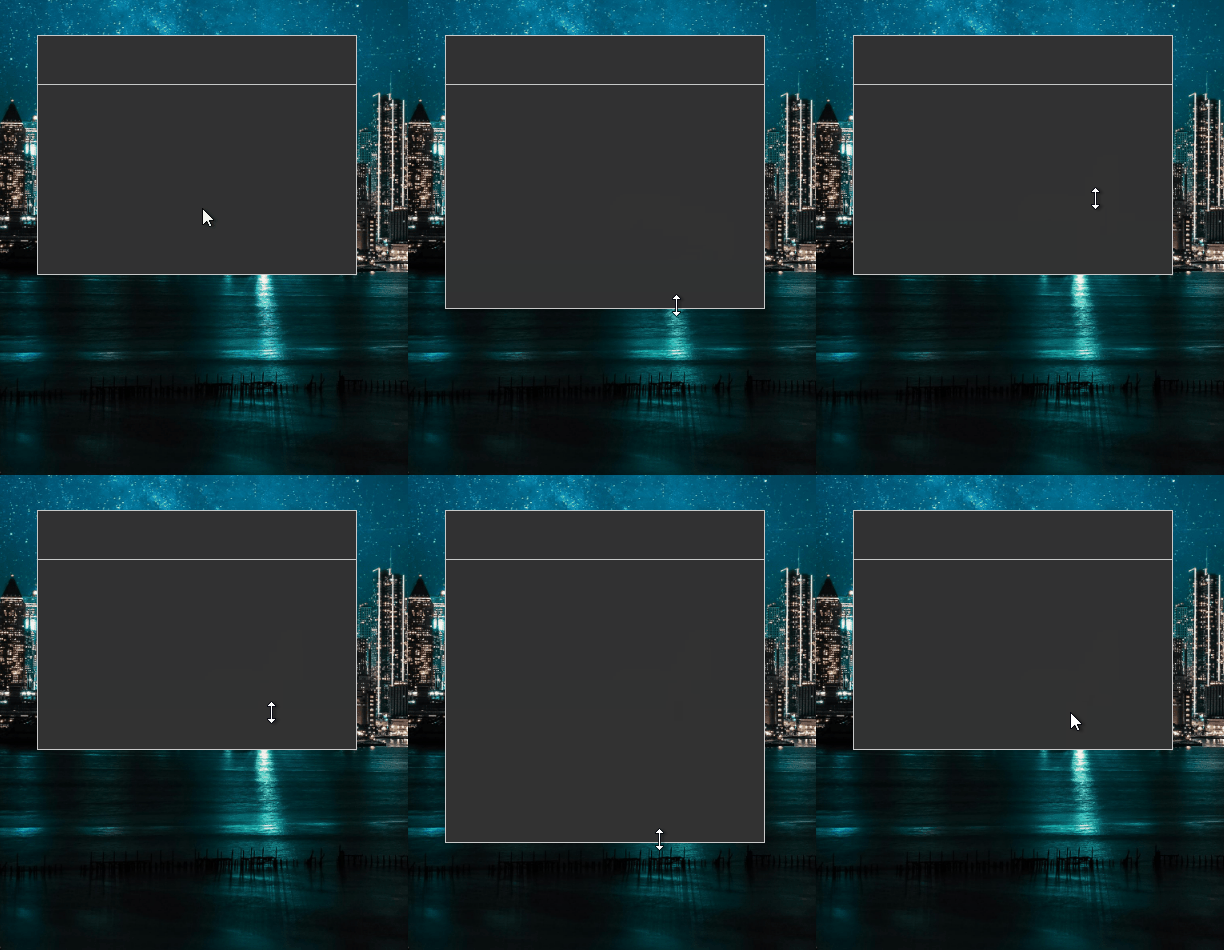
It seems that SDL supports drivers such as Direct3D 12 and Vulkan in a suboptimal way, while the implementation of abstraction in the form of the gpu driver adds further glitches to this.
I’ve just checked, and I do see the same issue with direct3d12:
SDL_Renderer *renderer = SDL_CreateRenderer(window, "direct3d12");
I am using C++, not Pascal. I don’t know much about Pascal, but I would assume it is largely doing the same thing and calling the same underlying C libraries that my C++ program is. It’s possible this is in some way related to hardware differences.
Similarly, I tried direct3d11, and encountered the same problems.
One further thought. My display is a high refresh rate device.
In Windows display settings, it is currently set to 120 Hz. I tried changing it to 60, but I still observe the same behavior.
Not really sure if this is helpful info or not.
The programming language is irrelevant in this case. Free Pascal is on the same level as C++, although I only use the basic elements of the language, so I remain as low-level and efficient as C. So it is still a language compiled directly to machine code, and the only library used by me is SDL 3.4.0, linked dynamically.
Interestingly, I noticed this problem in my engine (the window implementation is much more complex), but I successfully reproduced it in a simple demo.
In case of my engine, this is what the window stretching test looks like for the gpu driver, which uses direct3d12 underneath. Window stretching causes the area that does not match the window size to be repainted. The wireframe shows where the individual virtual elements of the window are located, including the frame around the entire window:
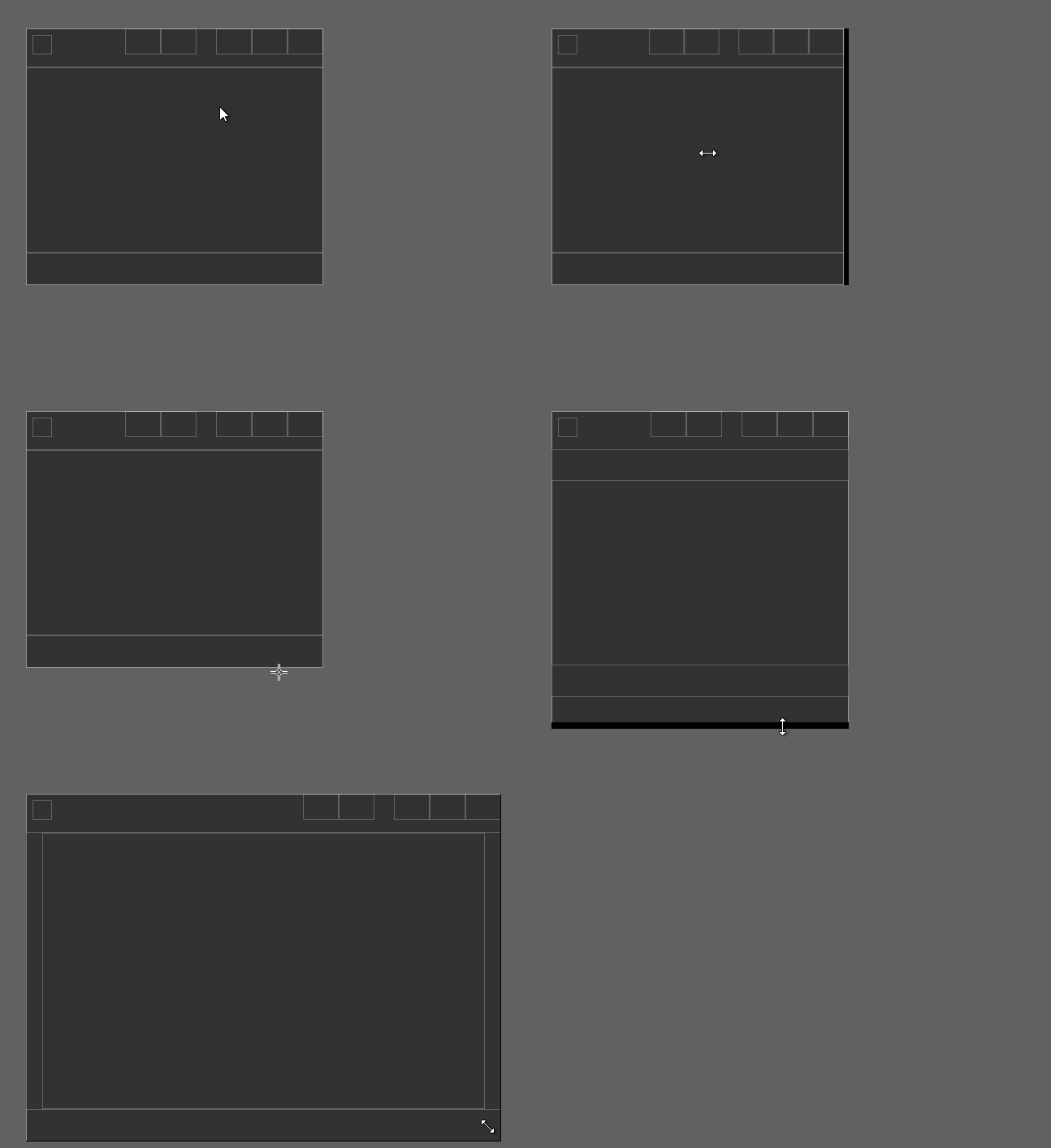
And again, if I use direct3d11 or opengl as the renderer driver, I have no such problems.
I reported this issue in the repository:
1 Like